Teach
Answer the question your team hears every week.
ABA & PEDIATRIC SOCIAL MEDIA
Social media marketing for ABA and pediatric therapy practices. Turn your team’s expertise into parent-friendly videos, therapist introductions, and educational posts, reviewed by your team before publishing.
“The mistake is treating consistency like a posting schedule instead of a recognizable idea.”
481 38 91THE POINT
The answer delivered on a sales call, the distinction an operator makes, the demonstration a clinician gives, and the story a customer repeats are more valuable than a list of trending audio.
Our job is to capture that real expertise, shape it into compelling stories, and build a repeatable system that stays recognizably yours.
A BALANCED FEED / 04 JOBS
A feed grows stronger when content does more than announce. We build a monthly rhythm across four roles.
Answer the question your team hears every week.
Show the people, process, and decisions behind the work.
Name the feeling, objection, or moment your audience knows.
Give the right viewer a specific, low-friction next step.
THE PRODUCTION LOOP
Scroll through the operating system. Each phase protects the voice while making production easier to repeat.
We mine sales calls, intake questions, customer language, search demand, comments, and operator expertise for ideas only your team can deliver with conviction. Nothing comes from a trend list: every idea starts with a question a real customer asked or a decision your team actually makes, which makes the calendar impossible for a competitor to copy.
A tight prompt deck and conversational direction help subject-matter experts sound like themselves. One prepared session creates clean source material without a day of retakes. Most sessions run under an hour, and nobody memorizes a line—the edit does the polishing, the speaker just talks about work they know cold.
A TikTok, Reel, LinkedIn post, carousel, and YouTube Short are not the same export. Hooks, pacing, crops, captions, cover frames, length, and calls to action change by platform. Every version cuts from the same source take, so the message stays consistent while the format matches how people actually scroll each feed.
Posts are scheduled to build familiarity over time: a sharp hook earns attention, useful depth earns trust, proof lowers risk, and an invitation converts the people who are ready. The calendar also leaves room for timely moments—a new hire, a client win, an industry shift—so the feed stays alive instead of feeling pre-programmed.
We track retention curves, completion, saves, shares, profile actions, qualified comments, site visits, and assisted conversions. The next month reflects what people actually valued. Winners get sequels and amplification, losers get retired without ceremony, and the next session's prompt deck is rewritten around what your audience proved it wants.
PRODUCTION BLUEPRINT
The system connects audience questions to hooks, story structure, proof, channel behavior, publishing rhythm, and a measurement loop. Editing makes it watchable; strategy makes it worth watching.
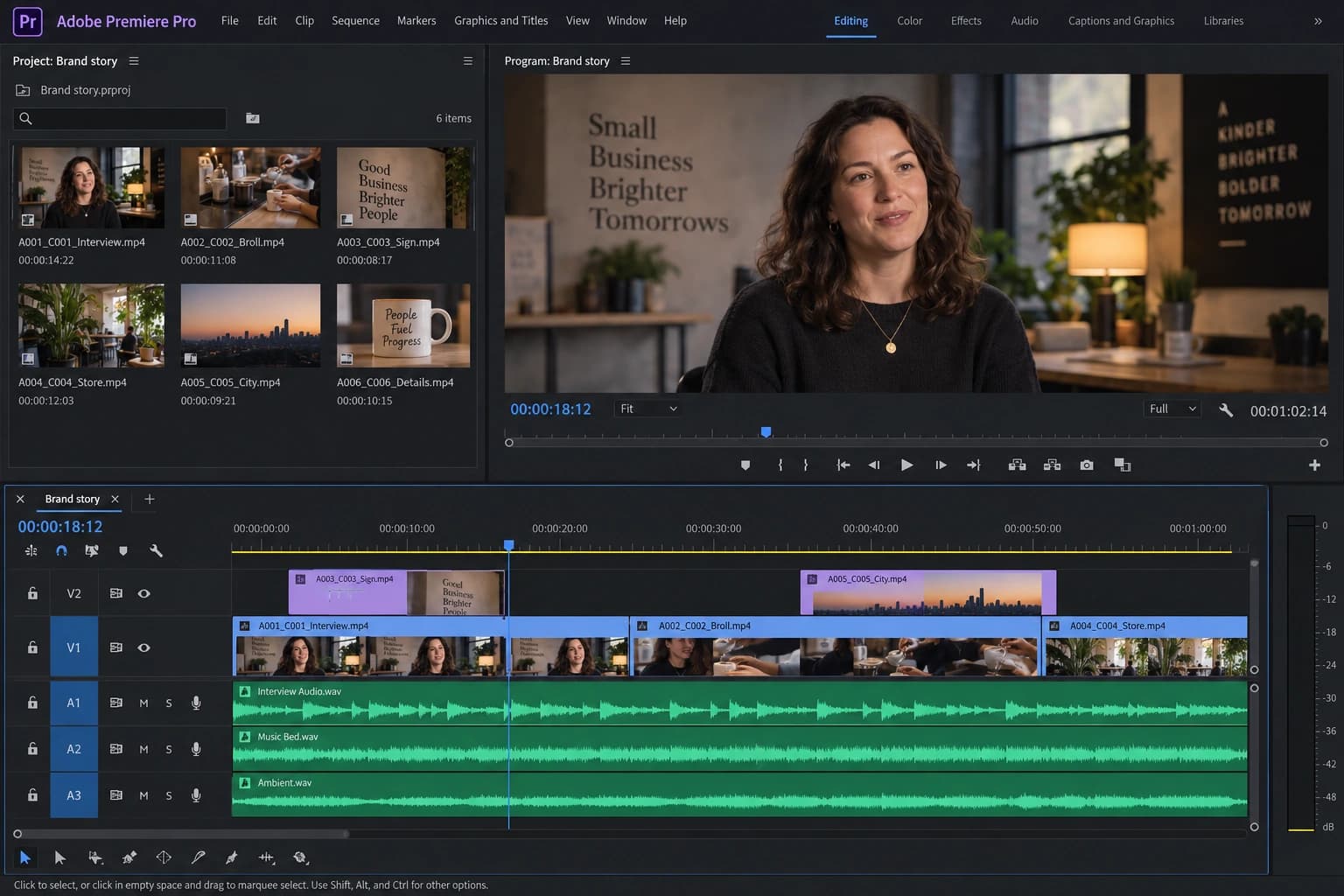
INTERACTIVE / SOURCE YIELD
A recording is raw intellectual property. We identify the strongest self-contained ideas, then reshape them for the context in which each audience will meet them.
Illustrative production yield. The idea density, platform mix, and editorial standard determine the real output.
OUR PROCESS / PRODUCTION TOUR
Your expertise enters the loop, becomes platform-native work, and performance feeds the next session.
We define who the work is for, what they need to believe, your credible point of view, brand boundaries, platforms, and the action content should support.
Studio checkpoint + reusable contentFour content pillars become a balanced run of education, proof, personality, objections, stories, offers, and timely moments.
Studio checkpoint + reusable contentWe provide prompts, direction, framing, light, sound, and a simple recording workflow—remote or on-site depending on scope.
Studio checkpoint + reusable contentStrong openings, clean pacing, captions, visual proof, B-roll, graphics, cover frames, descriptions, and calls to action are tailored by channel.
Studio checkpoint + reusable contentA clear review queue keeps clinical, brand, or legal stakeholders involved without turning every caption into a week-long thread.
Studio checkpoint + reusable contentAudience retention and meaningful actions show what deserves a sequel, deeper explanation, new format, paid amplification, or retirement.
Studio checkpoint + reusable content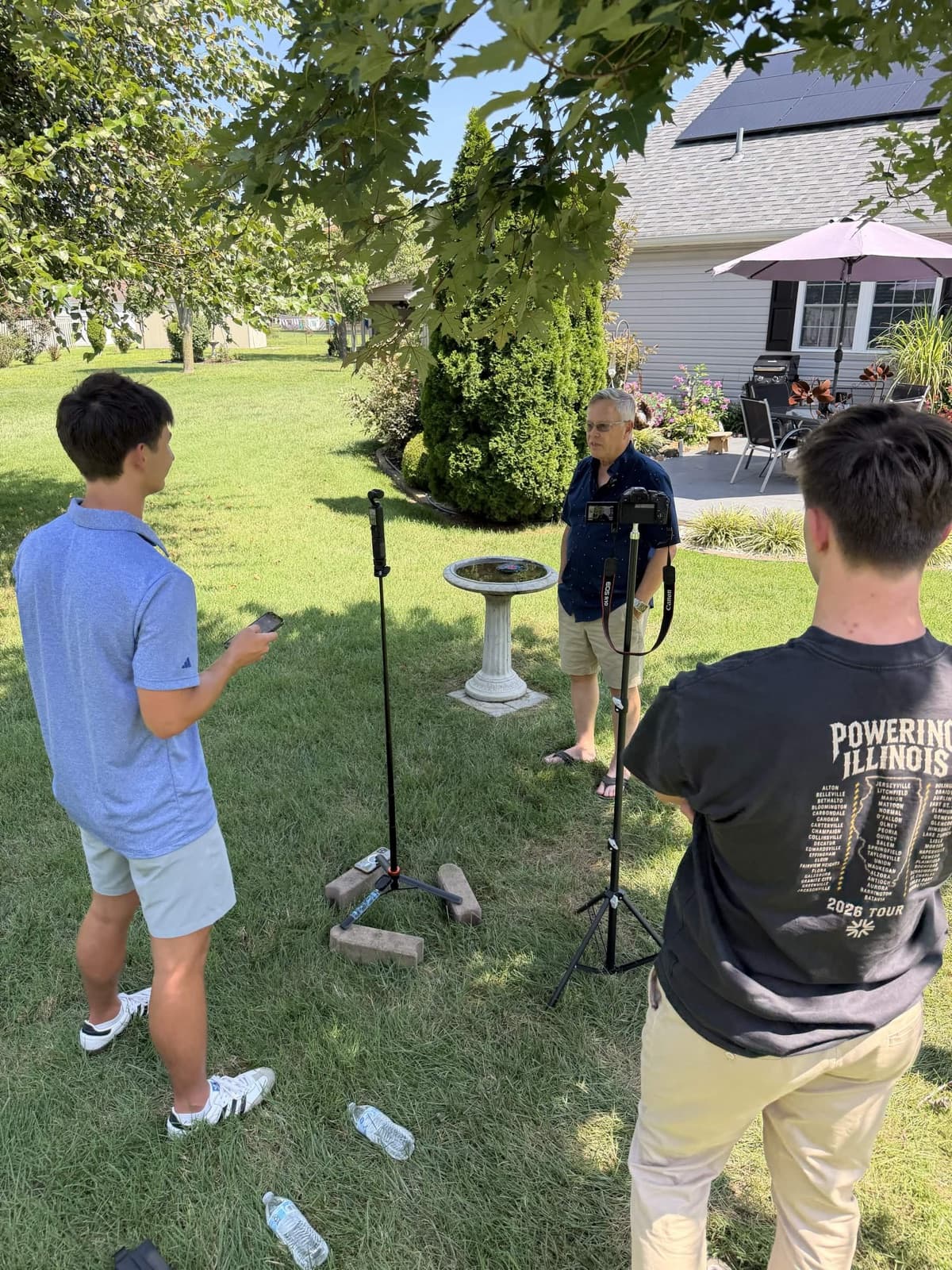
FILM DAYS / WE COME TO YOU
A dedicated film day is a prepared on-site session: we bring the cameras, prompts, framing, light, and direction, and you talk about the work you already know cold. No scripts to memorize, no performance—just guided conversation captured cleanly.
That single session feeds the whole system: short-form video, carousels, stories, and the proof content that makes a feed feel unmistakably yours. Film days are available on every plan, whenever you need one.
MEASURE MEANING, NOT NOISE
Where people stop watching shows whether the hook, pacing, structure, and promise are doing their jobs.
Saves, shares, profile actions, qualified comments, and direct visits reveal deeper value than a passive view.
Leads, assisted conversions, creative learnings, branded search, and reusable assets connect content to growth.
How to build a therapy team page that converts browsers into callers. What parents want to see in bios, credentials, and photos before picking up the phone.
First impressions now outweigh referrals. Here's what families look for on your therapy practice website, and the mistakes that cost you patients every month.
Five website mistakes we see on nearly every therapy practice site, with quick fixes for each that will improve your conversions and bring in more patients.
FAQ / NO ALGORITHM MYTHS
Most engagements center on one prepared recording session plus a lightweight approval window. We handle topic development, prompts, editing, captions, packaging, scheduling, and reporting so subject-matter experts spend their time on the expertise only they can provide.
We build from first-hand stories, real objections, customer language, demonstrations, decisions, and a defined point of view. If a script could be published unchanged by a competitor, it is not ready. The goal is recognizable expertise, not a generic content quota.
Usually not. We choose channels based on audience behavior, creative fit, operational capacity, and the role social plays in the buying journey. A strong native presence on two relevant platforms is more valuable than five neglected feeds with identical exports.
Reach is context, not the outcome. We look at opening retention, average watch time, completion, saves, shares, qualified comments, profile actions, direct traffic, leads, and assisted conversions. The useful metric depends on the post's intended job.
Yes. Winning hooks and stories can become paid creative, recordings can become articles and email, customer language can improve landing pages, and high-intent questions can shape SEO content. One strong source session should feed the wider growth system.
YOUR EXPERTISE / IN MOTION