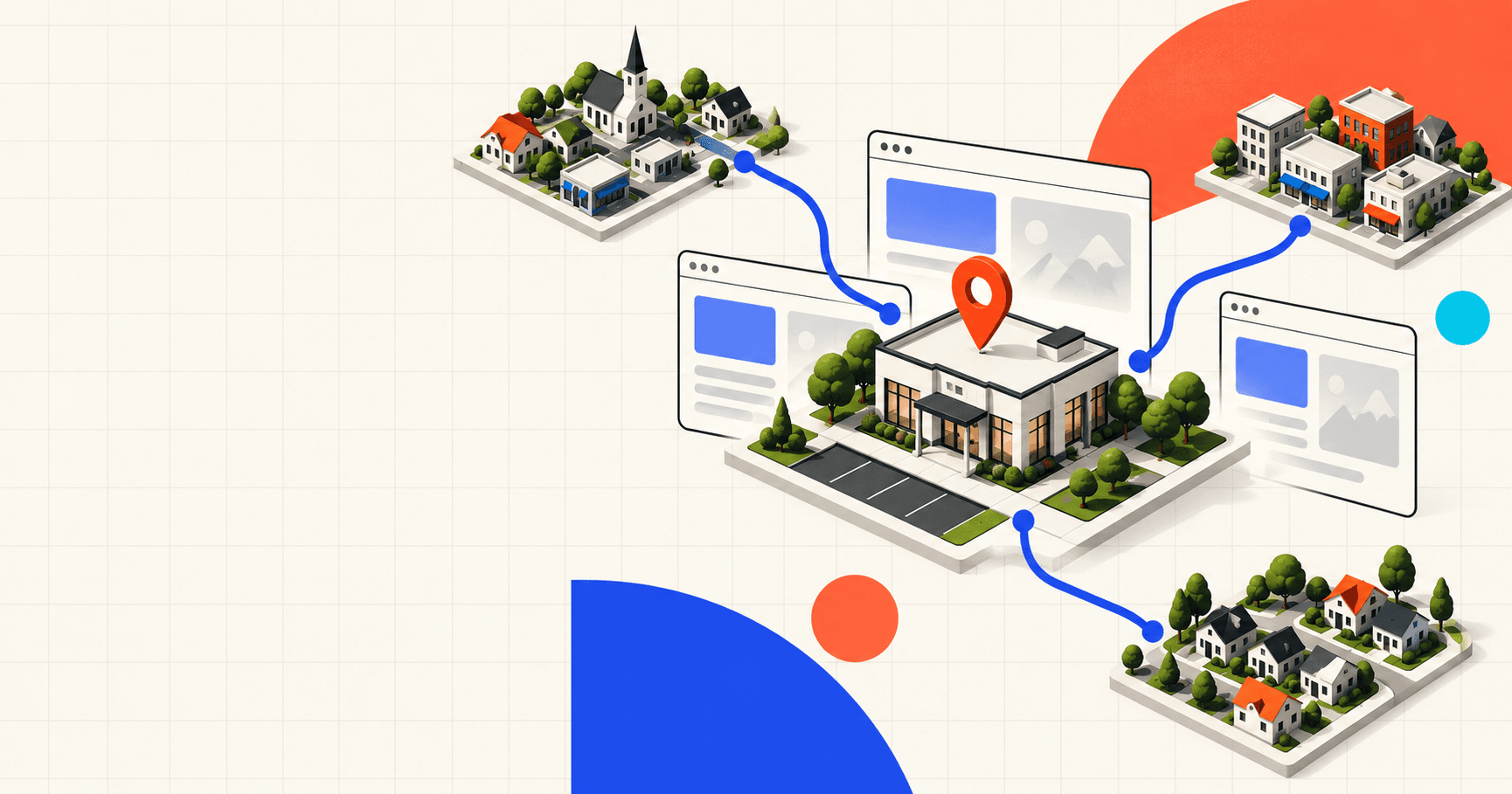
Your clinic is in one town, but the families you serve come from several. When planning location pages for your therapy practice, start with what those families need to know. Add a town page when you have useful local information that deserves its own space. If the details are largely the same across nearby communities, one clear service-area page can do the job.
Consider a parent looking for speech therapy near home. They find your practice through a page named after their town, then discover that appointments happen somewhere else. That may still be a workable option, but they need to know where the clinic is and whether the trip fits their week. The page should help them make that decision.
Local SEO for therapists should account for how families actually access care. Google's guidance on helpful content asks whether a visitor would find a page useful even if they came directly to the website. Use that question to decide which location pages will help someone understand your services and take the next step.
When a separate town page helps families
A separate page has a clear purpose when you operate a clinic in that town. Families need details about that particular office, including its address, the services available there, and how to contact the right team. If you have several locations, each page should help someone understand which office is appropriate for their inquiry.
A town page can also be useful when you do not have an office there. Perhaps you provide home visits within a defined area, or families from that community need help choosing between your locations because each offers different services. Explain the arrangement early and give visitors enough information to take the next step.
Be precise about where care happens. If families travel to a neighboring town, a title such as "Speech therapy for families in [Town]" should be followed by a clear statement of the actual clinic location. Avoid wording that suggests you have an office somewhere you do not. The town name should help someone understand whom you serve without leaving them to work out where they would go.
Before creating the page, ask your intake team what they regularly explain to families from that community. A question that needs a detailed answer may justify its own page. A short clarification may fit comfortably on your existing location or service-area page.
What to include on a therapy practice location page
Start with details your team can confirm. The page should help a family judge whether contacting the practice makes sense and understand what to expect when they do.
Where appointments happen: Name the actual clinic and show its address. If you provide care in the family's community, explain which services are available there and how someone can check whether their address is covered.
Services and ages served: Describe what is available at the relevant location or through the service you are discussing. If speech therapy and occupational therapy are offered at different offices, make that distinction clear. Link to the appropriate service pages for more detail.
Getting to the clinic: Include useful directions, parking instructions, and verified accessibility details. A directions link lets families check the journey from their own address. Avoid promising an exact travel time that may not reflect their route or appointment time.
Local coverage details: If your home-visit coverage has boundaries or availability varies by area, explain how families can confirm the current arrangements. Keep the wording specific to services your practice actually provides.
The next step: Provide the appropriate phone number or inquiry link and explain what happens after someone contacts you. Link to current information about insurance and referral requirements where relevant, and explain how to ask about availability.
Some of these details will naturally appear elsewhere on the website. The reason for a separate town page should be the additional help it gives someone from that community. Listing nearby parks or adding a paragraph about the town's history does little to explain how a family can access your services.
Use local references when they help someone act. A familiar landmark can clarify which entrance to use, for example. Check the detail before publishing, and describe any relationship with a local school or provider only if that relationship exists and you can represent it accurately.
When one service-area page is enough
If every town page would describe the same office, services, and intake process, start with one service-area page. Use it to explain where your clinic is and which nearby communities you serve. Show how families from those places access care, with links to your location and service details.
For example, a practice with one office might welcome families from several neighboring towns, with all appointments taking place at that office. A clear service-area page can explain that arrangement without making families open a separate page for each town. If one community needs an extra travel note, a short section on the same page may be enough.
Make the page easy to find through your website's navigation or relevant service pages. A visitor should be able to move from learning about a therapy to understanding where it is available and contacting the appropriate team. Our pediatric website design guide explains how to organize those decisions across a practice website.
Keeping shared information together also gives your team fewer places to update. If you publish service availability or intake instructions on several pages, include all of them in your update process so families receive consistent answers.
Why changing the town name is not enough
Google's doorway abuse policy describes pages created for similar searches that act as less useful steps on the way to the actual destination. Its examples include pages aimed at specific cities or regions that funnel visitors to one page, as well as substantially similar pages without a useful browsing structure.
A collection of pages that changes the town name but offers little useful information can fit that pattern when its purpose is to capture searches and send people elsewhere. That does not mean every town page is a problem, or that useful pages cannot share a booking link. Look at what each page helps the visitor understand before asking them to continue.
Read two proposed town pages side by side. If swapping the place names leaves both pages saying the same thing, consider whether the useful material belongs together. Rewriting the same paragraph in different words does not give a family a new reason to read it.
There is no need to pad a local page to a target length. Google says it has no preferred word count. Use the space required to explain the service and location clearly, and keep extra background only when it helps the reader.
Keep expectations about local search realistic
A town page does not change your clinic's physical location. Google's local ranking guidance explains that local business results consider relevance, distance, and how well known a business is. Distance refers to how far the business is from the person searching.
That guidance concerns local business results in Search and Maps. Publishing a website page for a neighboring town should never be sold as a guarantee that your practice will appear prominently in that town's map results. A useful page can explain how you serve the area, but the recommendation to create it should be grounded in what you can truthfully tell families.
Decide what deserves a page before you write it
When planning SEO for your therapy practice, start with your real locations and the questions your team answers about access to care. Review what the website already explains, then identify any gaps. For each proposed town page, write down what a family would learn there that would help them decide whether to contact you.
If you can give a specific answer, gather the details and build the page around them. If the answer is the same for every neighboring town, organize that information into a service-area page and make it easy to find. Revisit the structure when you open another clinic, change coverage, or have enough useful information to warrant a separate page.
At Driftlss, our SEO services and website design work include planning pages around the information visitors need. If you are deciding how to represent the towns your practice serves, talk with us about your locations and services. We can help you work out which pages have a useful job to do.