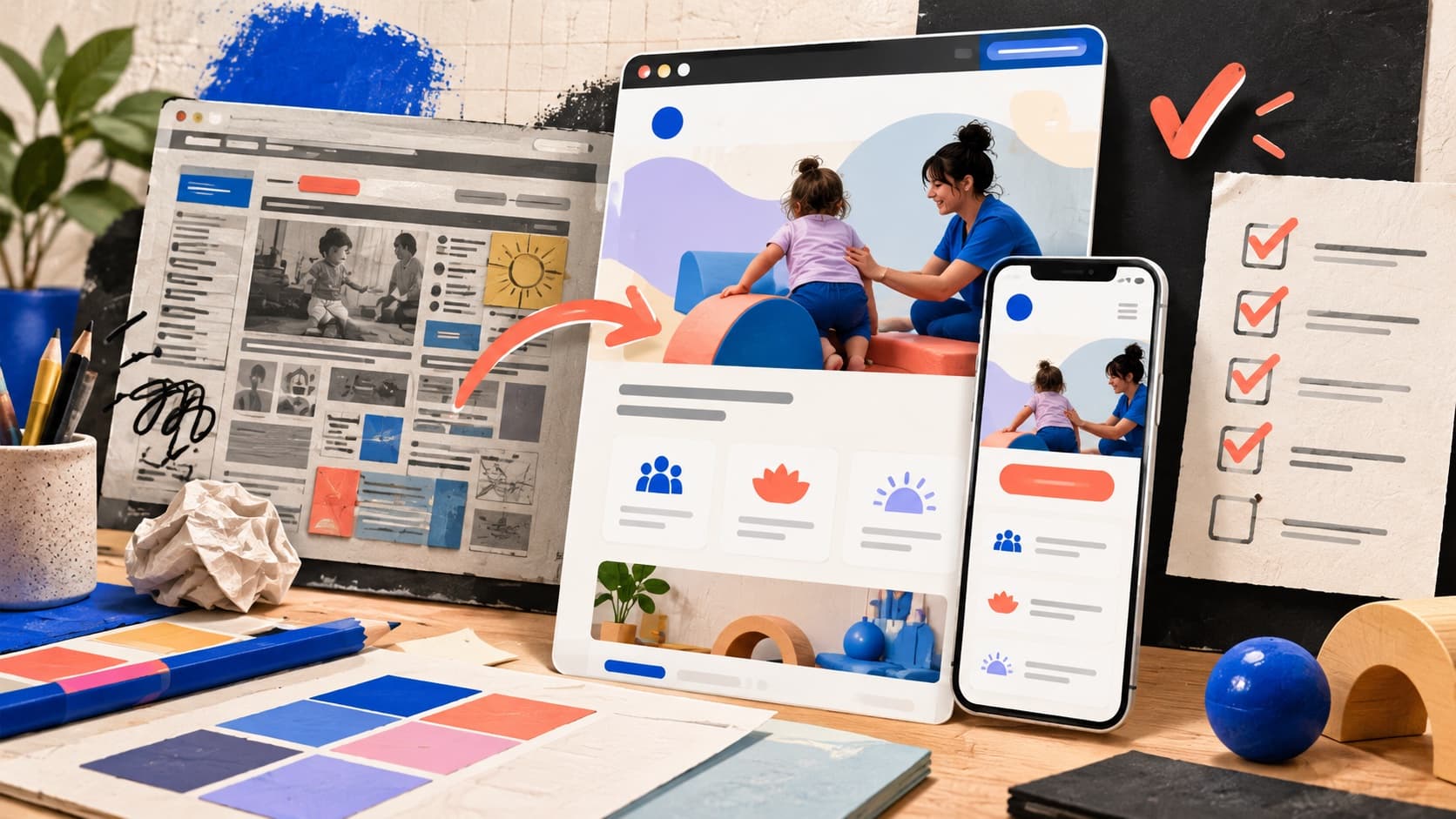
Your pediatric practice has changed since the website went live. There may be a second location, a larger team, or a service that still appears as one sentence on an old page. Staff explain the same details over the phone because the website hasn't caught up.
A redesign is a chance to fix that. But before you approve a new homepage, you need a plan for the information, links, and inquiry process behind it.
Start with three decisions: what the new site needs to accomplish, which existing pages should stay, and who will prepare the content. Then agree on how the site will be tested and supported after launch. Those decisions give the design work a clear purpose and make the project easier for your team to review.
This checklist is for owners and managers of pediatric therapy practices planning that work. For a broader look at what families need from a site, start with our pediatric website design guide.
Write down what the redesign needs to solve
“We want a more modern website” is a reasonable starting point. Get specific about what should work better once it's finished.
Perhaps families can't tell which clinic offers speech therapy. Perhaps your referral instructions are buried in a PDF. Or your contact form sends every request to an inbox that only one person checks.
Write a short project brief around those problems. For example, your brief might say: “Help families find the right therapy service and location, then send their inquiry to the team responsible for that clinic.”
Use that goal when reviewing proposals and design drafts. A broken form may need a focused repair. An outdated structure that no longer reflects the practice may justify a larger rebuild. The scope should follow the problem.
Review the pages you already have
Before removing or combining pages, make a list of the current site. Include service pages, locations, team profiles, referral instructions, and documents people still use.
Add what you know about each page. Does it receive search impressions or clicks? Do referring providers link to it? Does your staff send it to families? A page with little search traffic may still be useful in the intake process.
Then give each page a decision: keep it, update it, combine it with a related page, or retire it. For anything being removed, record where its useful information will go.
For example, a short occupational therapy page might need a stronger explanation and current location details. That doesn't automatically mean it needs a new web address. Ask what each proposed change will improve before approving it.
Map services to the locations that actually offer them
Pediatric therapy websites need to explain how the practice works across services and locations. This becomes especially important when a clinic offers occupational therapy, speech therapy, physical therapy, or ABA in different combinations.
Consider a fictional practice with two clinics. Both provide occupational and speech therapy, but only one offers physical therapy. A general statement that says “OT, speech, and PT at our locations” leaves an important detail unresolved.
A useful page plan would give each therapy service its own explanation, identify the clinics where it is offered, and link to those location pages. Each location page would list its actual services and explain how to contact that team.
You don't automatically need a separate page for every possible service and city combination. Start with the information a family needs to choose the right next step. Add a separate page when you have a meaningful service or location difference to explain.
Use familiar service names in navigation and headings. “Pediatric speech therapy” is more informative than “Communication solutions.” Work relevant keywords into accurate descriptions of the practice. Google's SEO Starter Guide recommends clear, useful content and warns against excessive keyword repetition.
Prepare the content and name its reviewers
Design drafts are easier to assess when they contain the information your practice will actually publish.
Before the main pages are designed, gather the current service list, ages served, locations, clinician details, referral instructions, and contact process. Identify any missing photos or documents. Have someone who understands each service review its description.
Give each part of the content an owner. A clinical lead may review service explanations, while the intake manager confirms how inquiries, referrals, and insurance questions are handled. One person should gather the feedback and resolve conflicting edits.
These details shape the design of a pediatric practice website. A clinic with several locations needs a different way to present contact information than a practice with one office and one intake team. Placeholder copy can hide those decisions until late in the project.
Make the proposal clear about the work and the handoff
Ask for a page list and a clear explanation of what is included. Does the agency write the service descriptions, edit material you provide, or expect finished copy? Who prepares photography? How will appointment requests reach staff?
A therapy website redesign proposal should also explain who handles existing URLs, search metadata, analytics, accessibility checks, and launch testing. If a form needs to connect with another system, confirm what that connection will do and how it will be tested.
Agree on what your team can update afterward. Ask how to change a clinician bio, add a location, or revise the intake instructions, and what would require additional help. Confirm access to the domain, hosting, and relevant accounts, along with any recurring costs.
These questions help you compare the actual work in two proposals and understand what happens after the website launches.
Plan for old links before changing page addresses
An existing service page may be linked from a provider's website, an email, or a saved bookmark. Include those entry points in the redesign plan.
If a page is moving permanently, ask your developer to map its old address to the relevant replacement and implement a permanent redirect. Google recommends server-side permanent redirects where possible; 301 and 308 are the status codes used for a permanent move. Google's redirect guidance
For example, an old speech therapy page could redirect to its updated speech therapy page. A visitor following that link should still reach the service they expected.
If a page is being retired with no relevant replacement, agree on how it will be handled instead of choosing an unrelated destination. Update internal links and the sitemap to reflect the final page addresses. Google's site migration guidance explains URL mapping and launch checks in more detail.
A visual redesign can keep the same page addresses. Treat URL changes as a separate decision with a reason and a plan.
Test the inquiry process before launch
Have someone who wasn't involved in building the site use it on a phone. Give them a specific task, such as finding speech therapy at one clinic and requesting a callback.
Then check the complete route:
Finding the service: Can they identify the appropriate service and location without help?
Sending the request: Are required fields clear, and do error messages explain what needs fixing?
Confirming submission: Does the website confirm that the request was accepted and explain the next step?
Receiving the inquiry: Does the correct staff member receive it with the service and location information they need?
Handling a problem: Can the visitor reach the practice another way if the form doesn't work?
W3C's Forms Tutorial supports clear labels, instructions, and feedback about errors and successful completion. Test keyboard use as part of that review too.
Also ask the developer to check redirects, phone links, page loading, and the settings that control whether search engines can access and index the public pages. Keep a written list of unresolved issues and who will fix them.
Measure what changes after launch
Save a baseline before the redesign so you have something useful to compare against. In Search Console's Performance report, record the searches and pages producing impressions and clicks. Where tracking is available, also record inquiries your team received and the services people asked about.
After launch, review comparable periods and allow for differences in season, advertising, and tracking. Check the important service pages individually. A change in the site's overall click-through rate can hide very different results across pages and searches.
Google says significant website changes can cause temporary ranking fluctuations while it recrawls and reindexes the site. That is a reason to monitor the transition and investigate problems, not a reason to ignore missing pages or failed inquiries. Google's guidance on site changes
Give someone responsibility for keeping services, team details, and intake instructions current. A redesign needs an ongoing owner once the launch work is finished.
Plan the website around the practice you run today
Good pediatric website design starts with a clear understanding of the business: what care is available, where it happens, and how families reach the people who can help them get started.
Driftlss is a marketing agency working across industries, with ABA and pediatric care among our specialties. Our website work brings together the page structure, design, content, and contact paths that each business needs.
If your practice is planning a rebuild, explore Driftlss's web design service. We can review the current site and help define the pages, content, and inquiry process the project needs to address.